

What the overlay contains
Open a check
-
Click a check title link in the checks table.
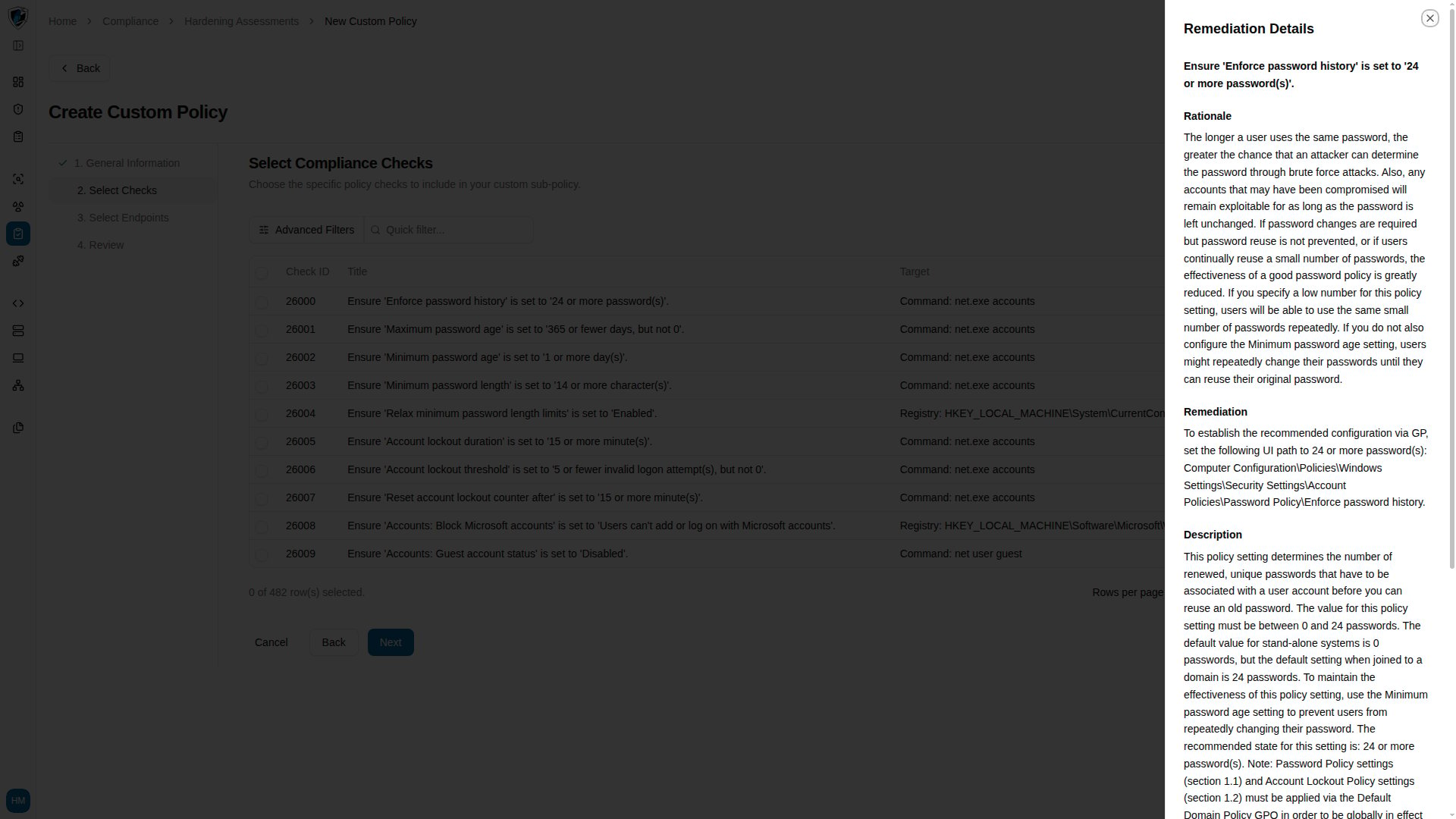
- Read through the sections, then click Close or the X icon. You return to your exact place in the table, with filters and scroll position intact.
Open the check preview overlay to read a rule’s description, rationale, remediation steps, and the evaluation script behind it.