

The edit form lets you update the metadata, status, risk scoring, technical context, and documentation of any existing finding.

Edit a finding

  1. Click the finding’s name in the table to open its preview sidepanel.
  2. Click Edit in the sidepanel header to open the full edit page. Edit vulnerability page showing the General Information and Risk Scoring sections
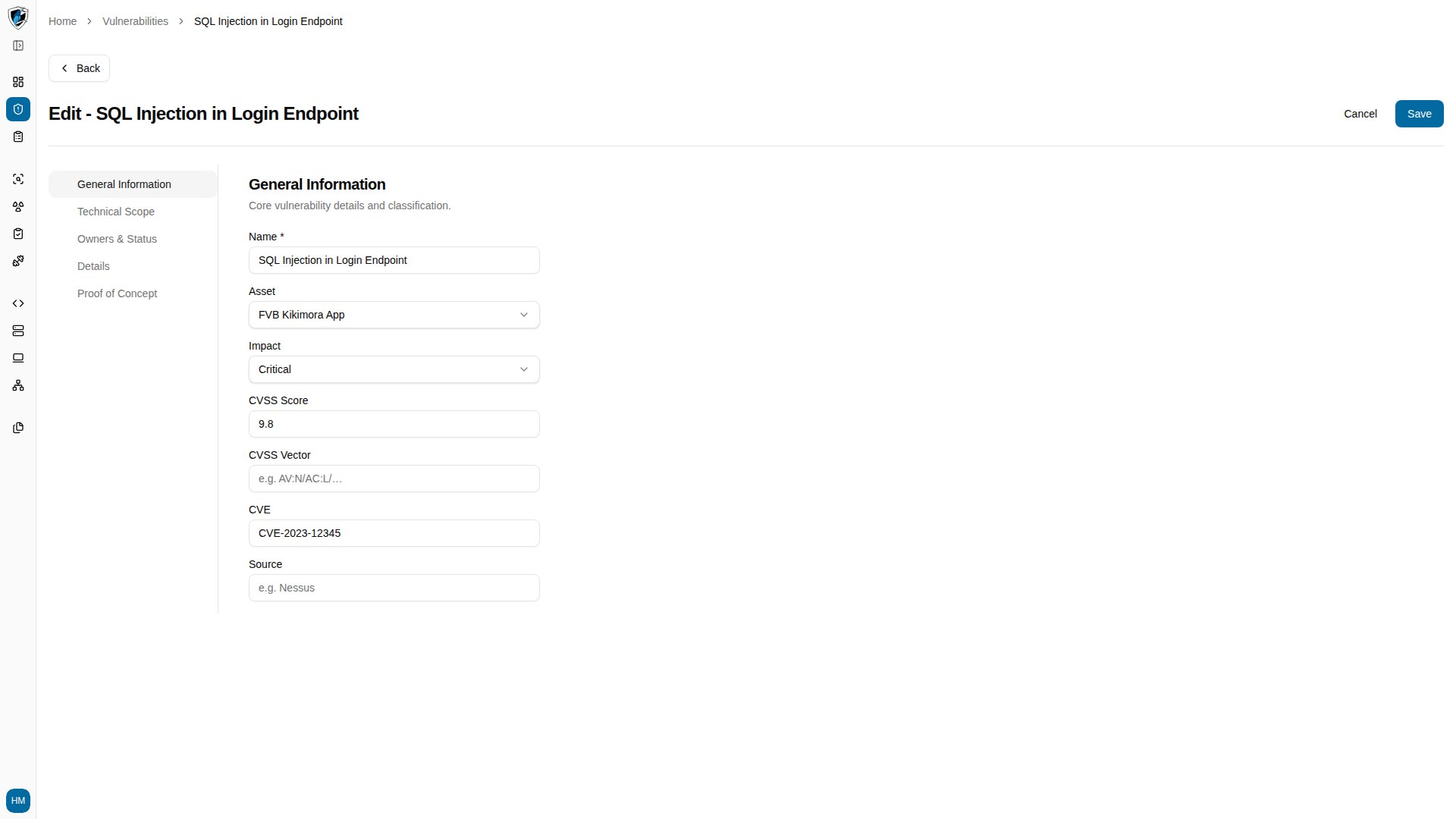
  3. Update the fields you need across General Information, Risk Scoring, Details, and Proof of Concept. Details section with raw HTTP request and response fields above the rich-text proof of concept editor
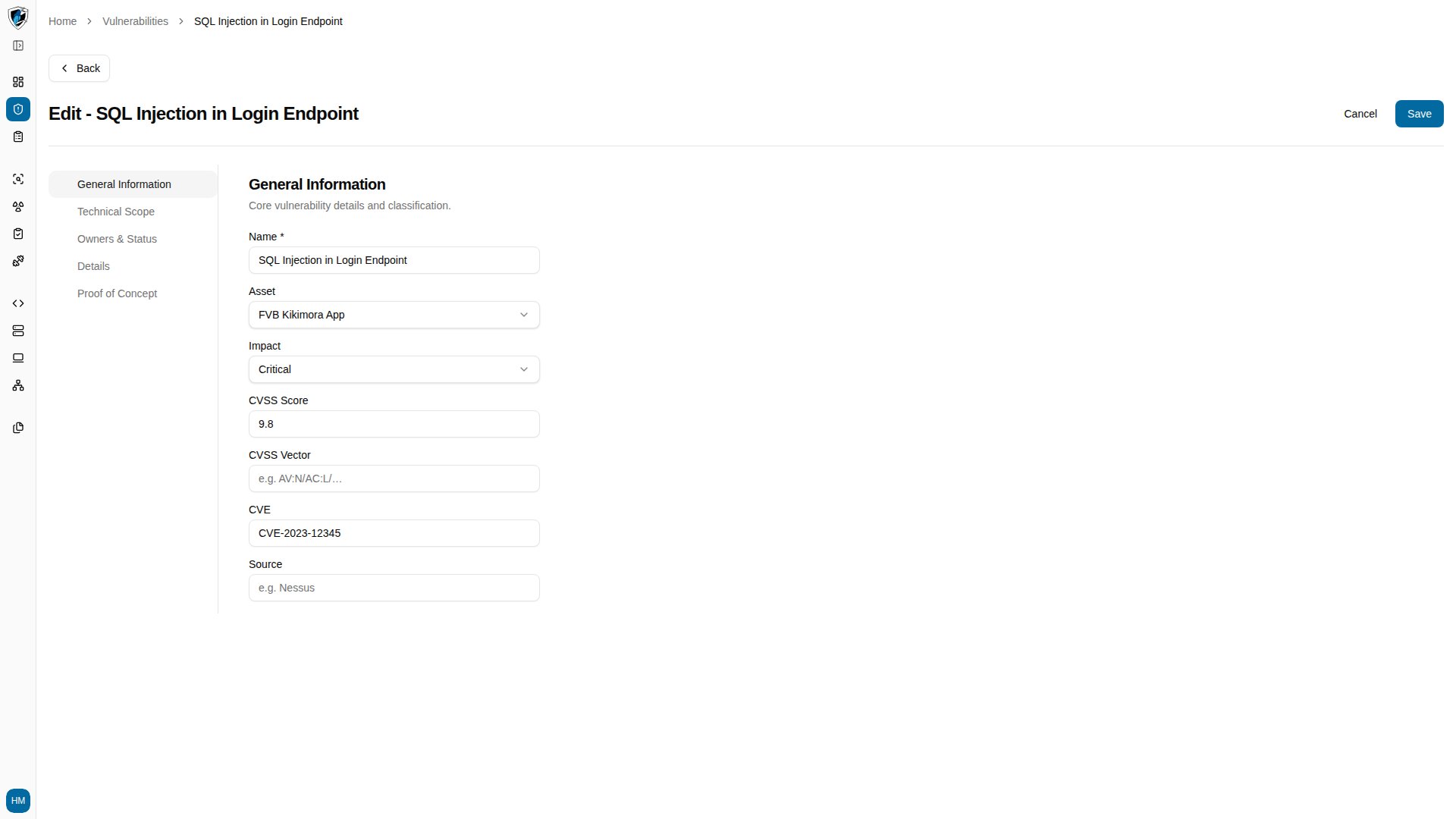
  4. Click Save. If a required field is empty, a validation toast appears instead. Validation toast shown after saving with the required name field left empty
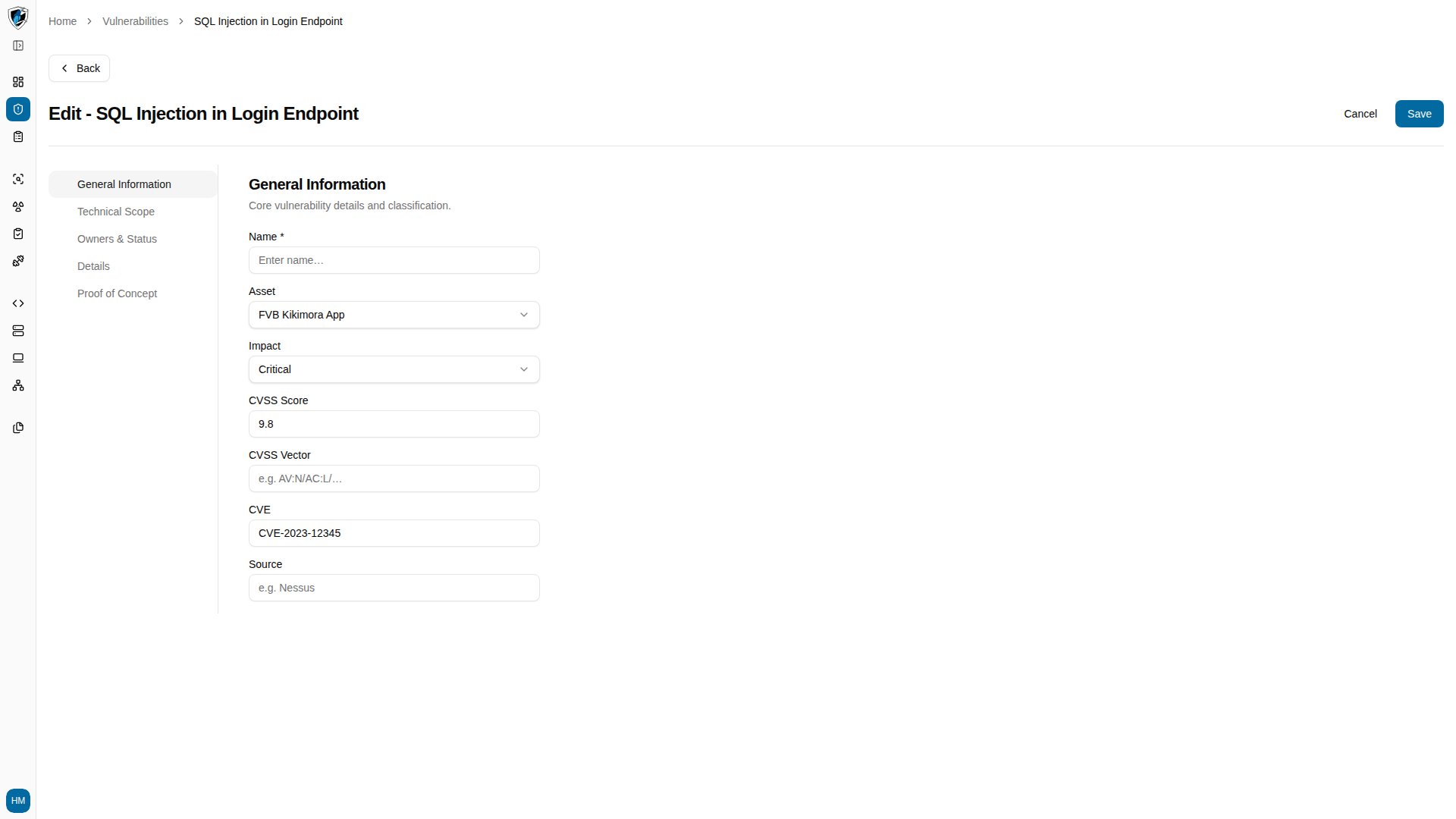
Fields and validation