How it works
- Availability — the action appears in the row action menu (
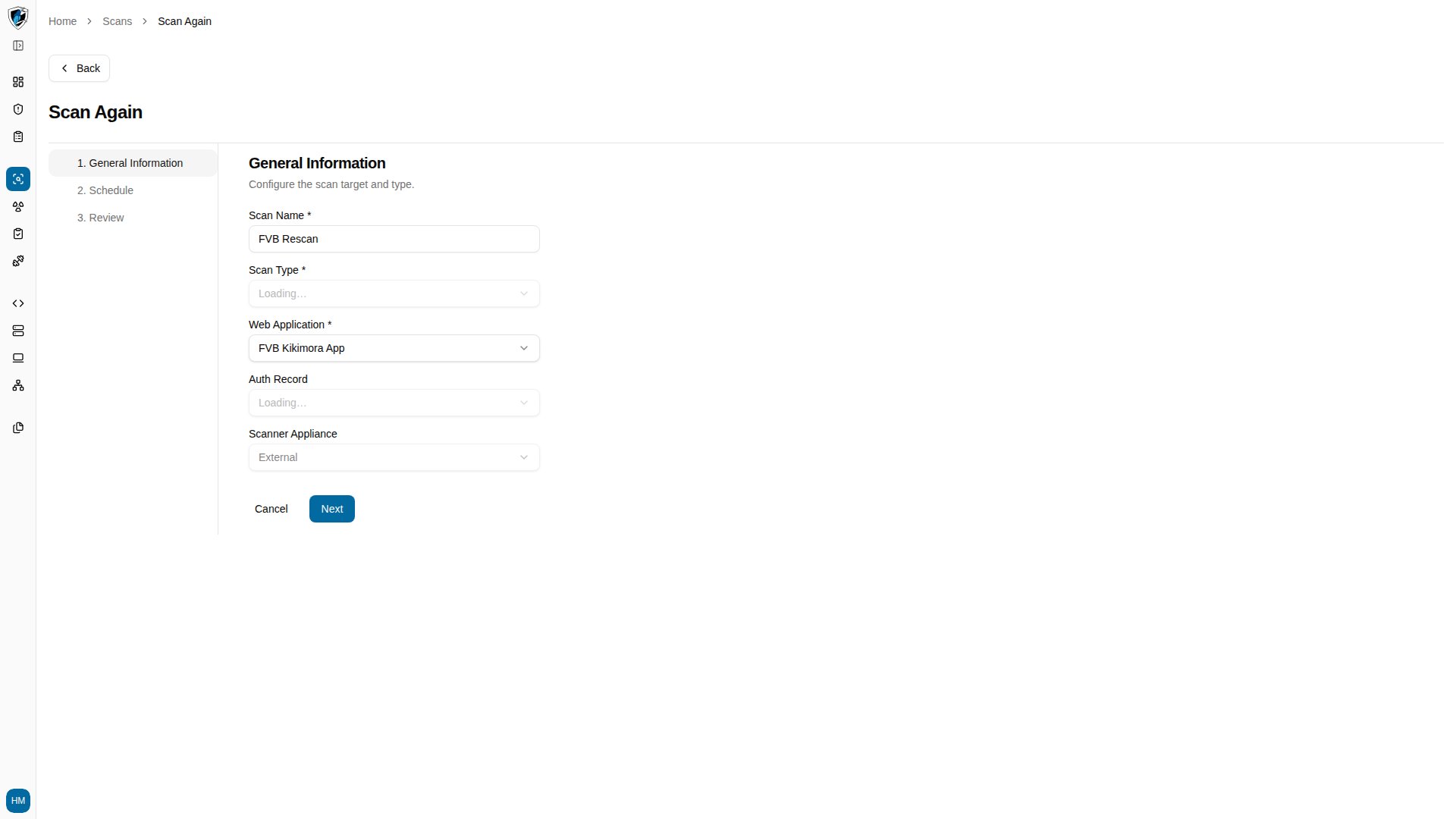
...) for scans with statusFinished. - Pre-filled configuration — the target Web Application, Scan Type, and Auth Record carry over from the original scan.
- Naming — the new scan takes a rescan title derived from the original scan name, appending
- Rescan.
Run a rescan
-
Select Scan Again from the action menu on a finished scan row to open the pre-configured wizard, then confirm the parameters.