

You can manually trigger a vulnerability update for connected endpoints straight from the Endpoints list.

Fetch vulnerabilities

  1. Select one or more endpoints using their row checkboxes, or use the header checkbox to select every endpoint visible on the current page. Endpoints table with several host rows selected via their checkboxes
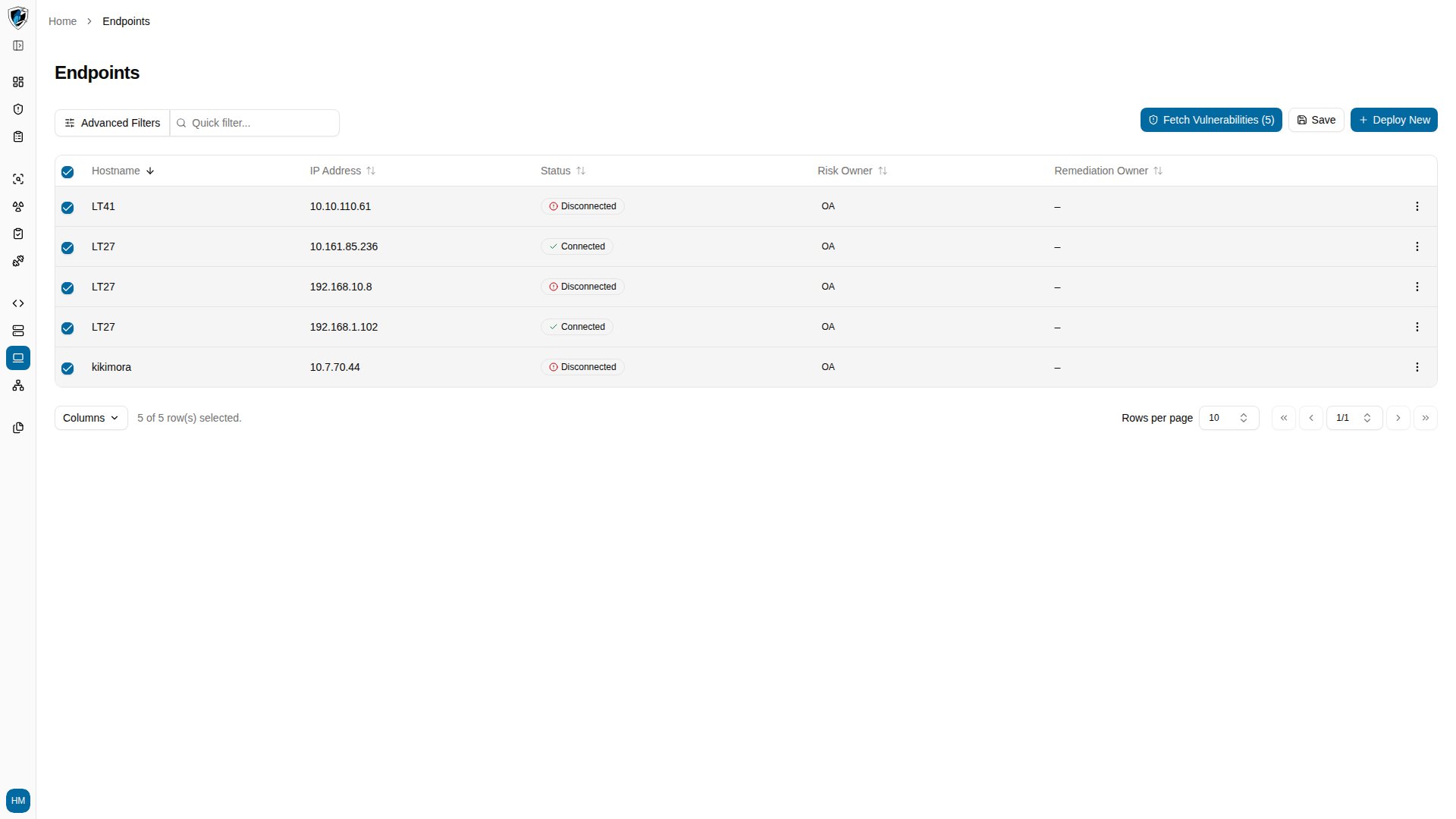
  2. Click Fetch Vulnerabilities (N) in the action bar above the table. Confirmation dialog explaining the once-per-hour fetch limit before sending the request
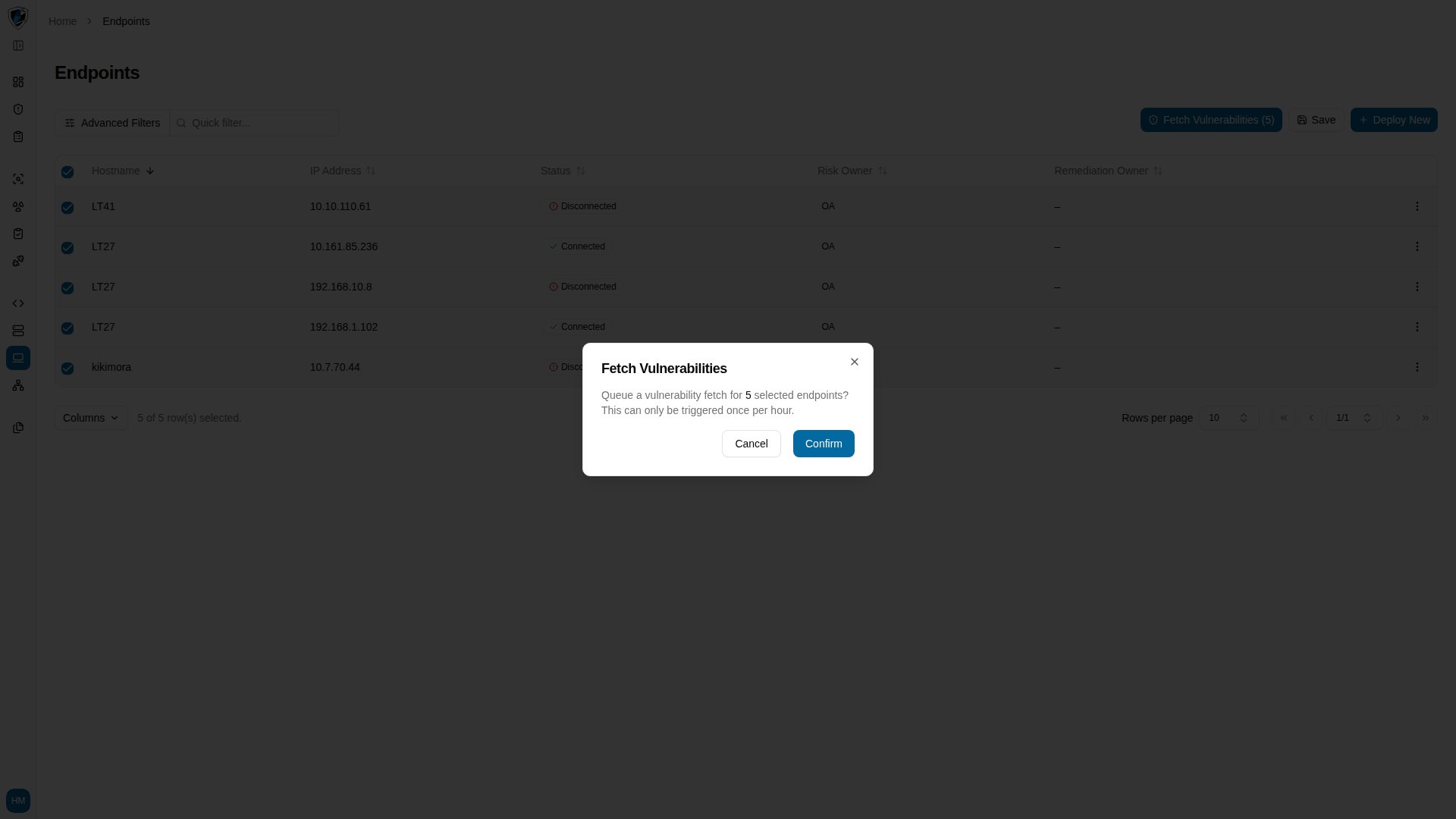
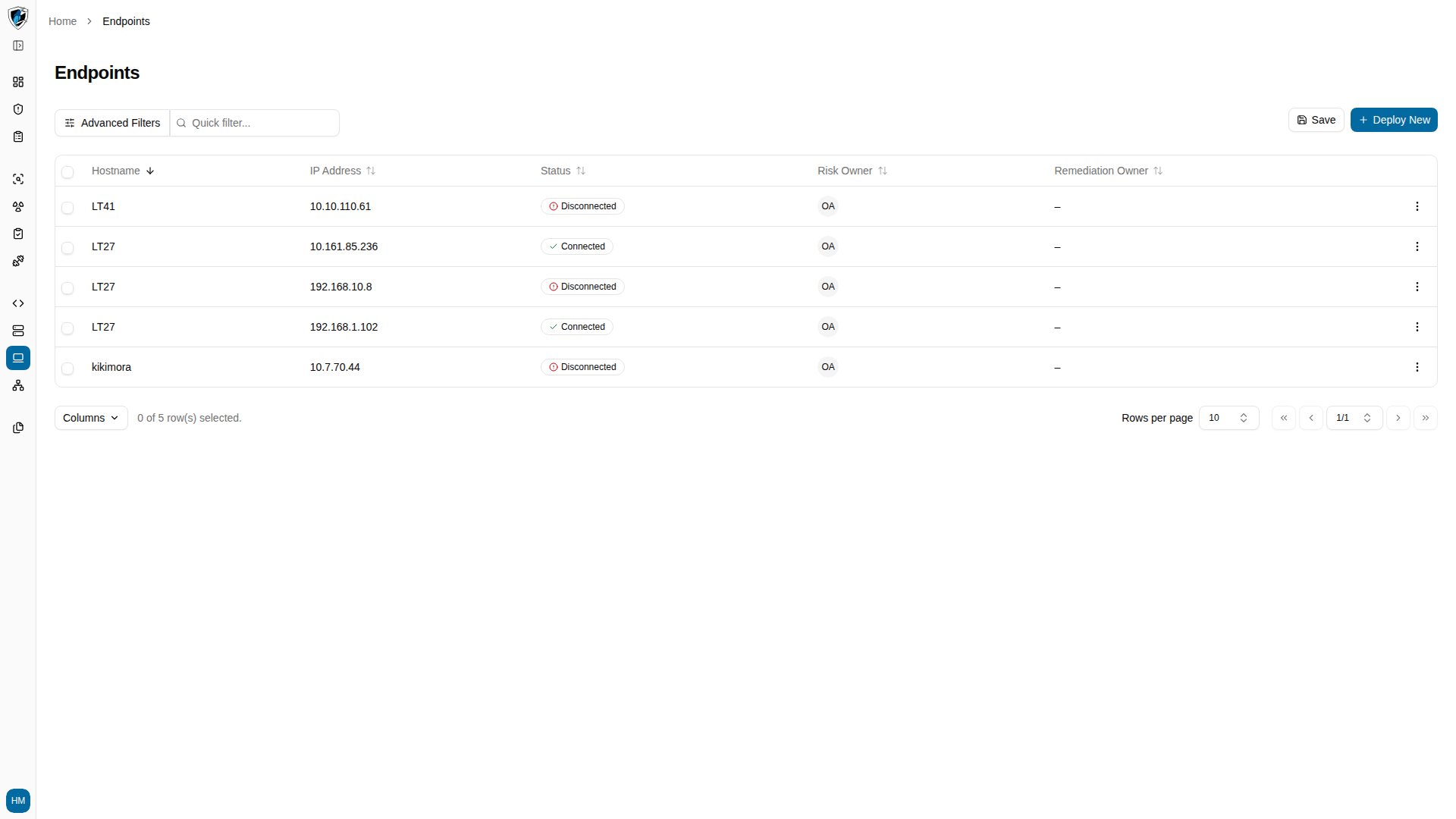
  3. Read the confirmation prompt, which notes the once-per-hour limit, then click Confirm. Success notification confirming the vulnerability fetch request was sent to the agent integration
Selection and limits

Selection across pages. The header checkbox selects every record on the current page. Your selection is tracked as you move between pages or change the page size, so it survives navigation. Hourly rate limit. Manual fetches are limited to once per hour per tenant and endpoint. Requesting again before the cooldown expires returns a throttle warning (HTTP 429), which protects the background Wazuh scanning routines from overload. Permissions. Fetching requires tenant scanning permissions. Without them the button is hidden, or the request returns an access error.