

Columns
Detailed OS names and version numbers are synchronized from the agent in the background and shown in the endpoint detail view rather than this table.
Filtering and searching
- Quick filter — the text field above the table matches hostname or IP address as you type.
- Advanced Filters — filter by status, owner assignment, or OS traits.
Browse the inventory
-
Open
/endpointsfrom the main navigation sidebar.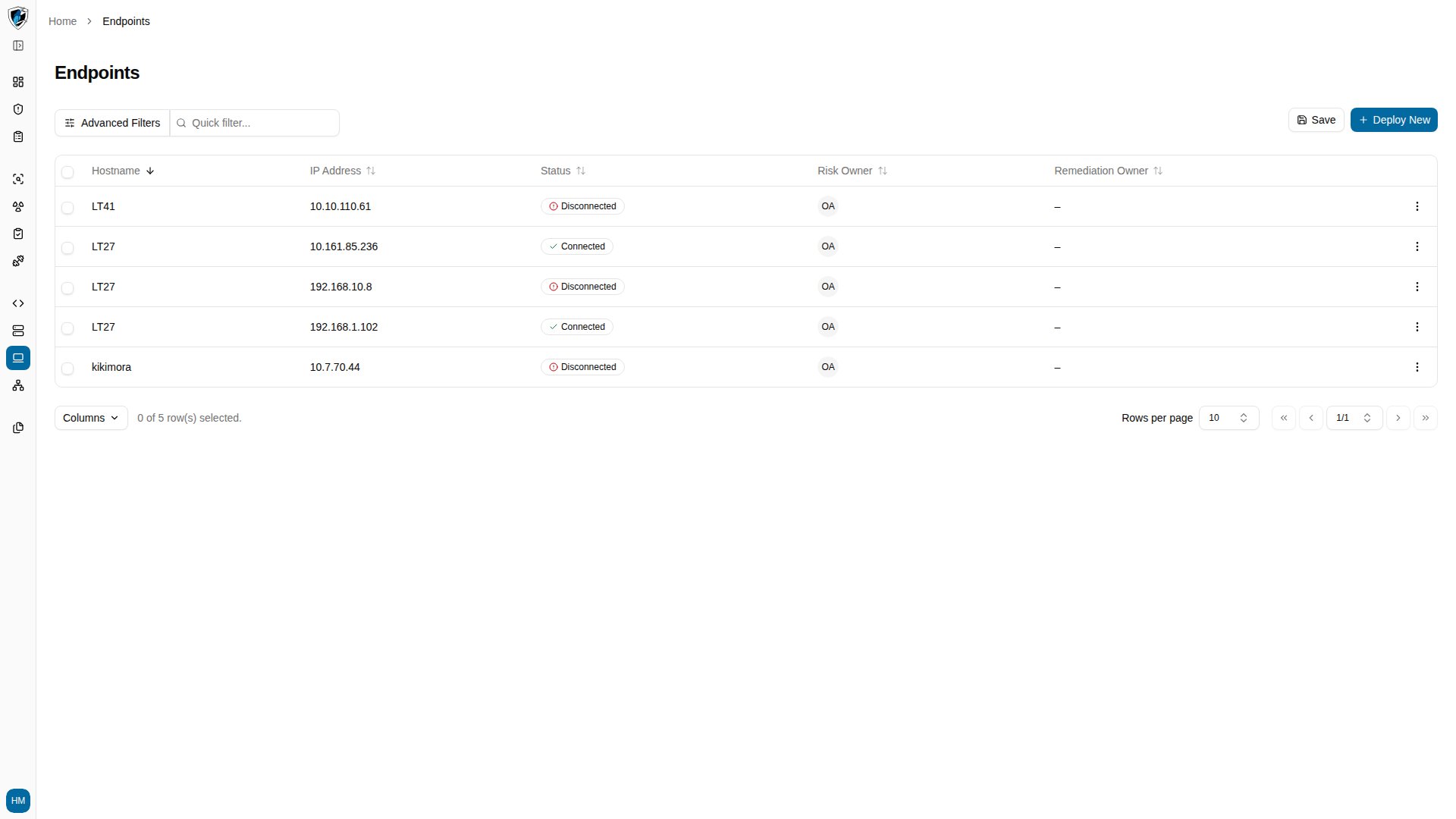
-
Click Columns at the bottom left of the grid to show or hide columns such as Name.
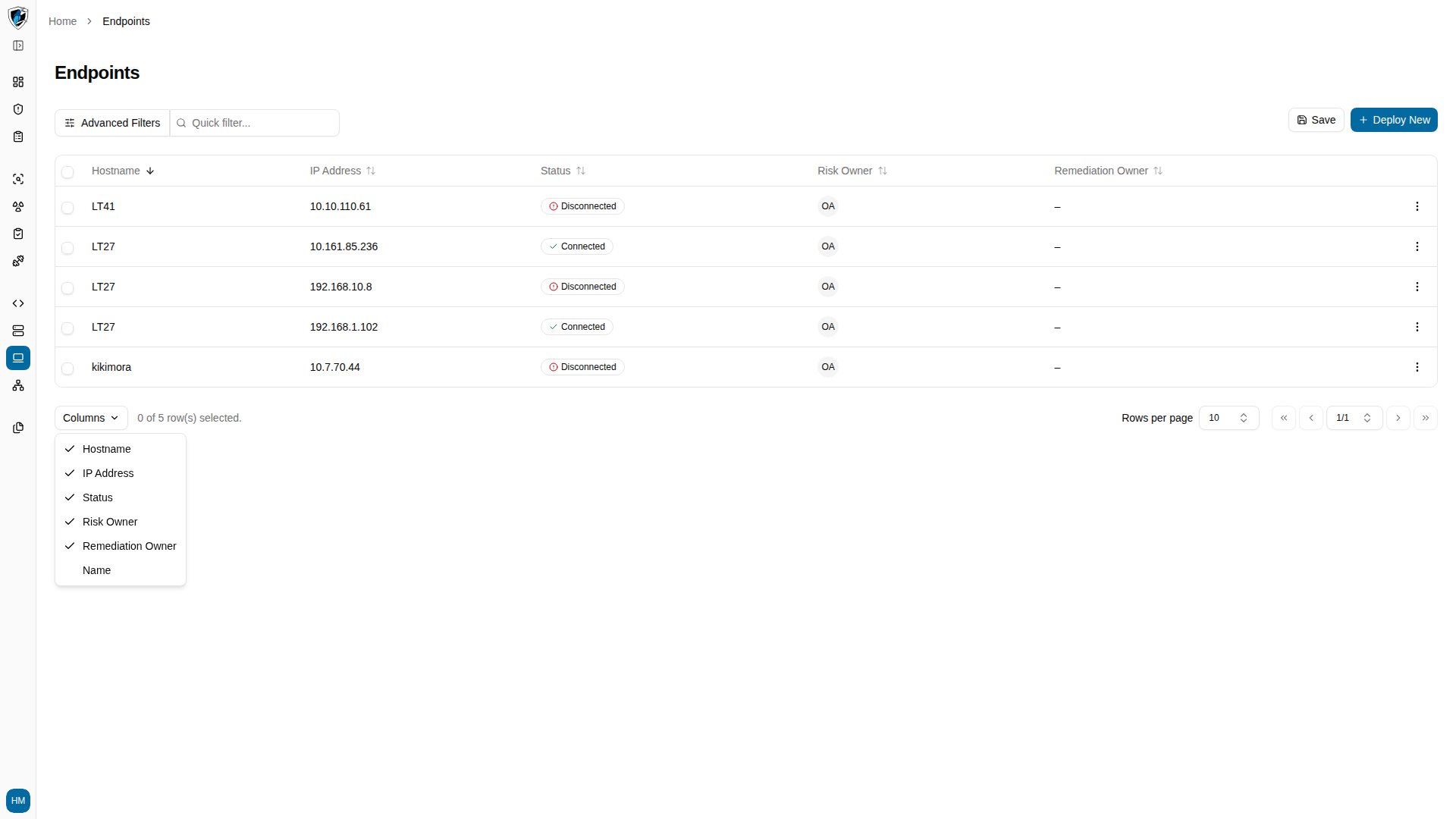
-
To open a host’s telemetry, click its hostname, or use the row action menu (
...) and select View Details.