- From the Web Applications list at
/web-applications, find the application you want to change. - Click the row action menu (
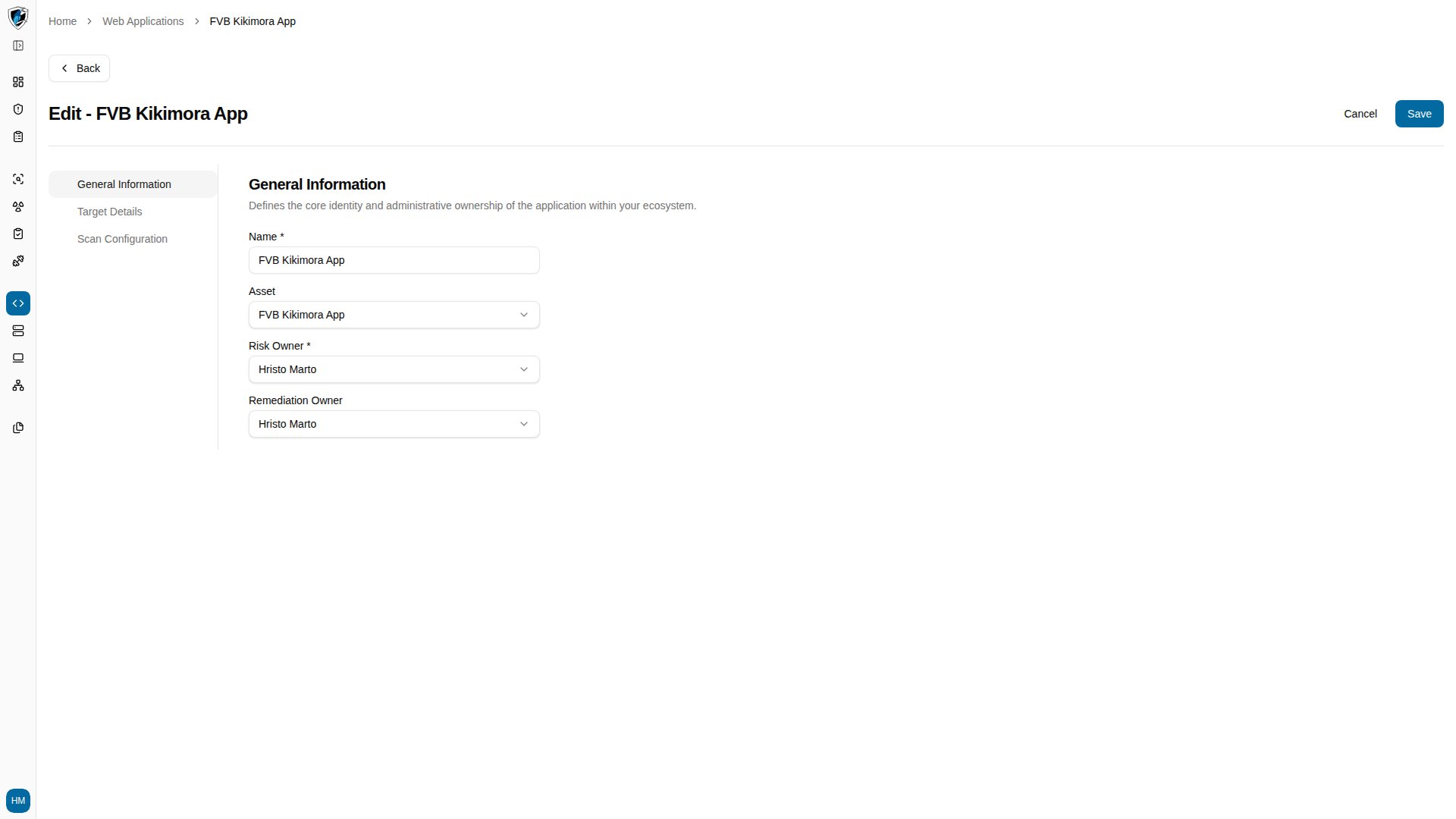
...) at the right end of the row and select Edit. This takes you to/web-applications/<id>/edit. - The form pre-fills instantly from stored data — Name, Asset, Risk Owner, Remediation Owner, and the target configuration. Loaders appear only on fields still fetching live configuration from the underlying scanner.
- Update the fields you need and click Save. You return to the Web Applications list with your changes applied.