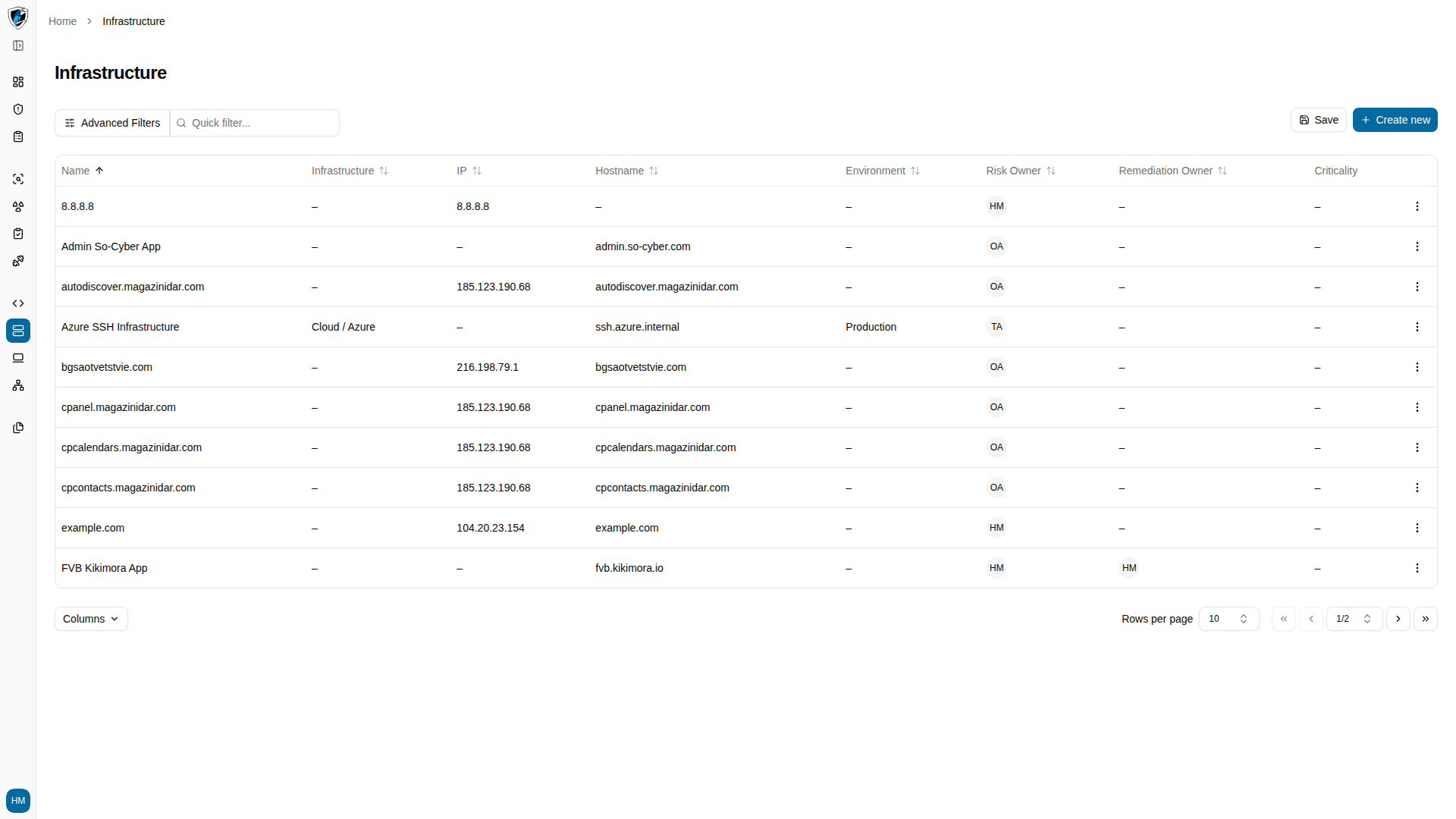
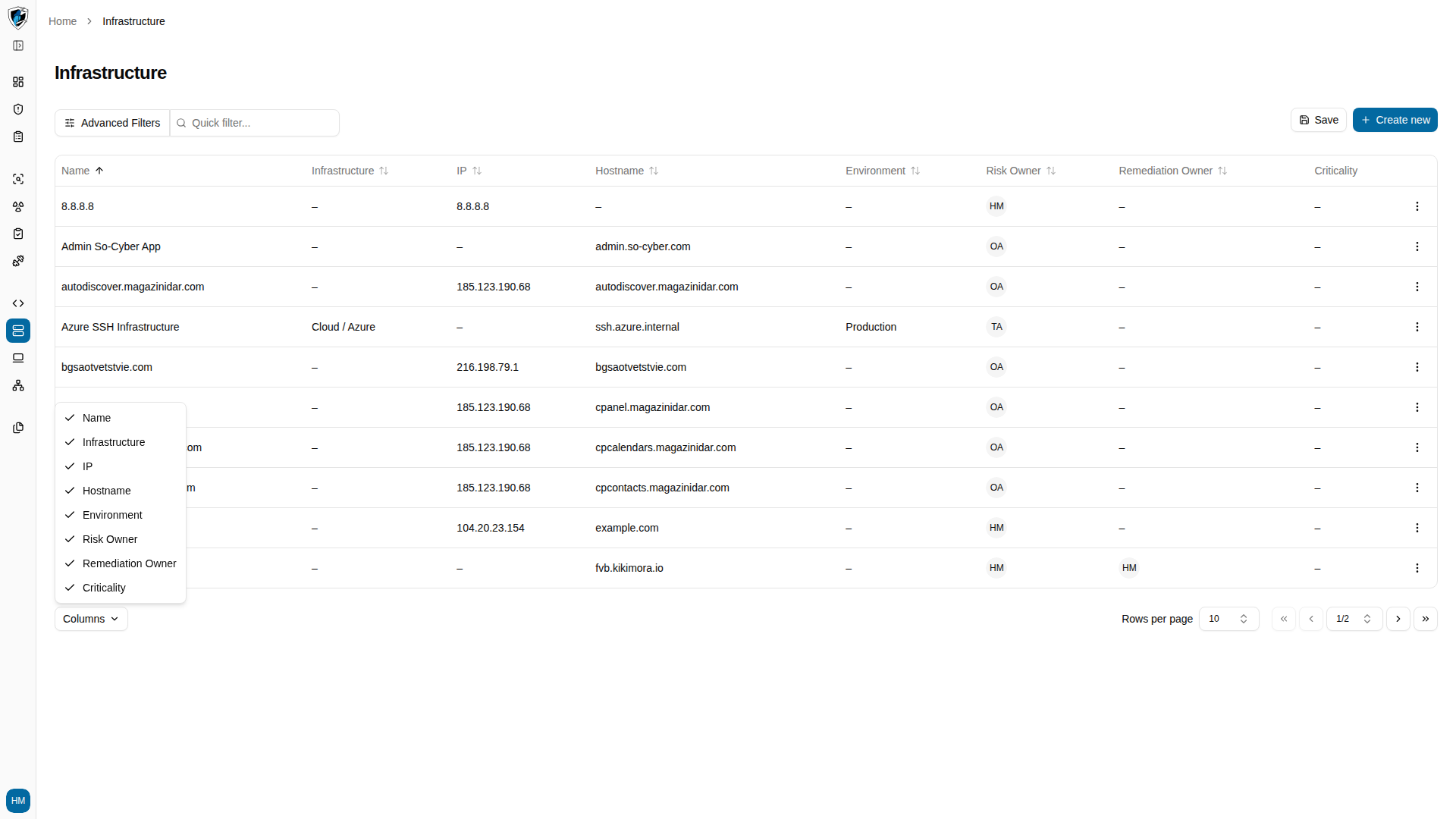
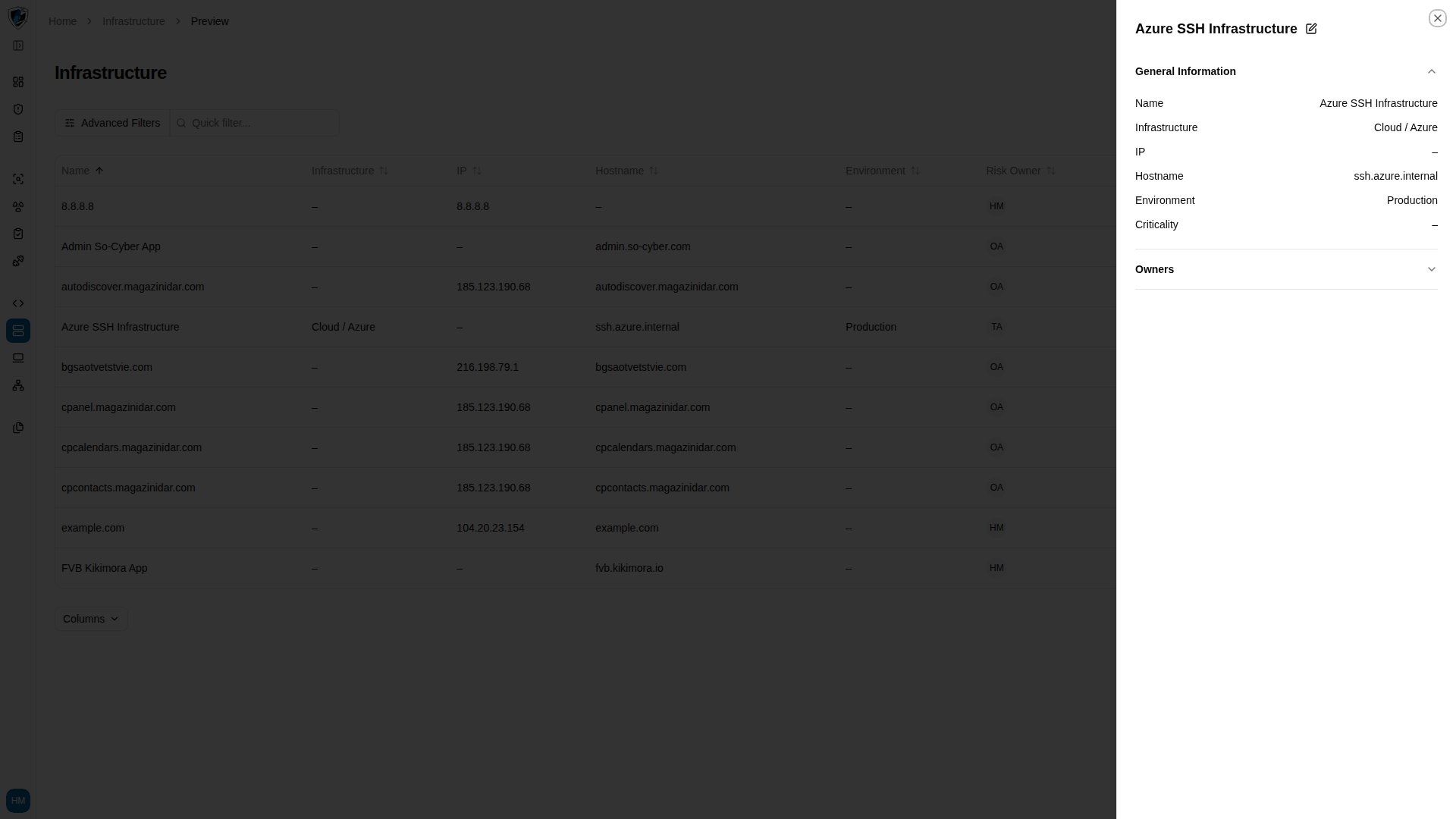
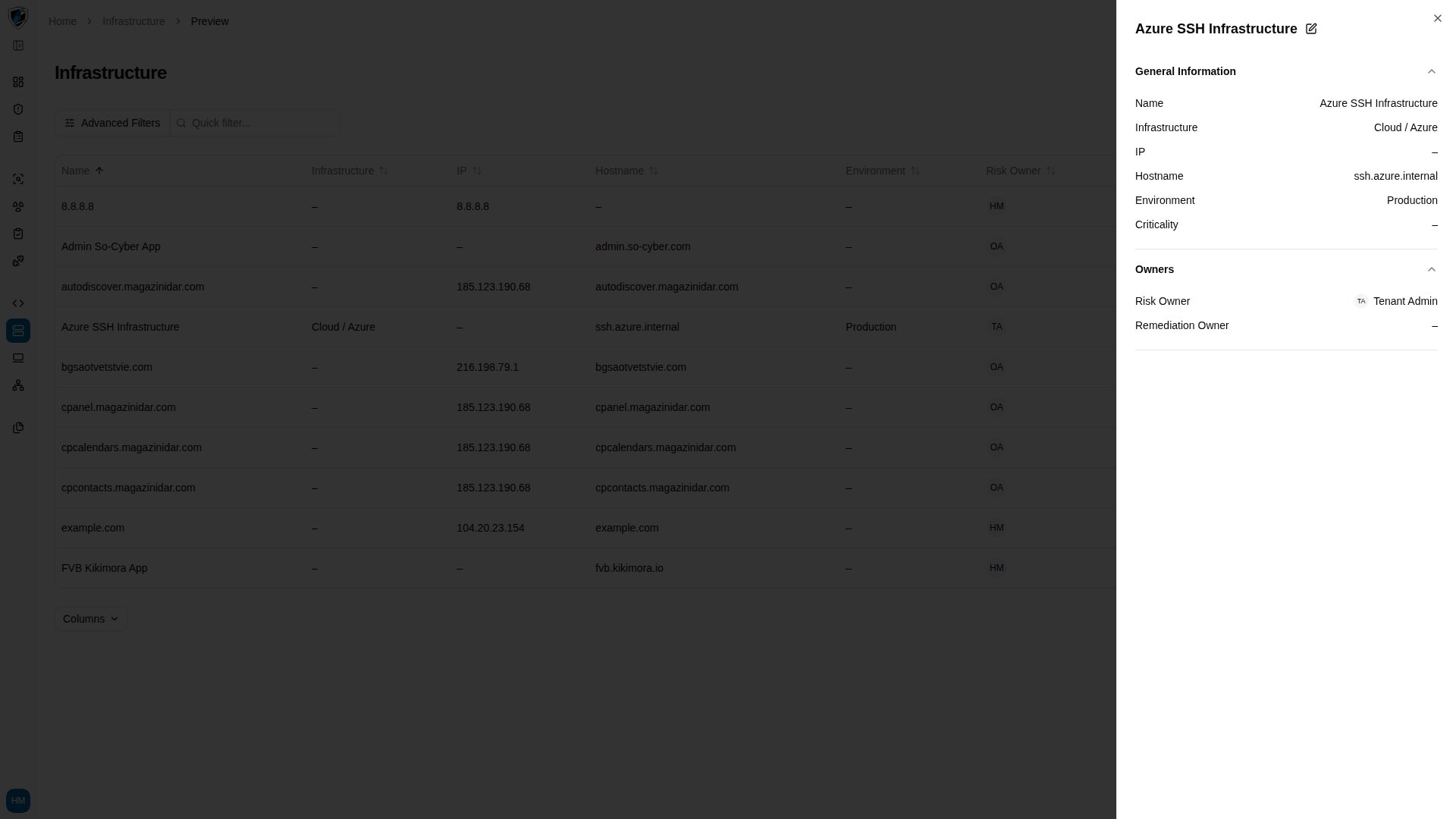
| Name | Primary display name or identifier of the asset. |
| Infrastructure | Cloud provider or deployment environment, such as Cloud / Azure. |
| IP | Primary IP address associated with the asset. |
| Hostname | Fully qualified domain name or hostname. |
| Environment | Operational environment, such as Production or Staging. |
| Risk Owner | Team member or role accountable for the asset’s security risk. |
| Remediation Owner | Engineer or administrator responsible for remediating its vulnerabilities. |
| Criticality | Business criticality — Low, Medium, High, or Critical. |