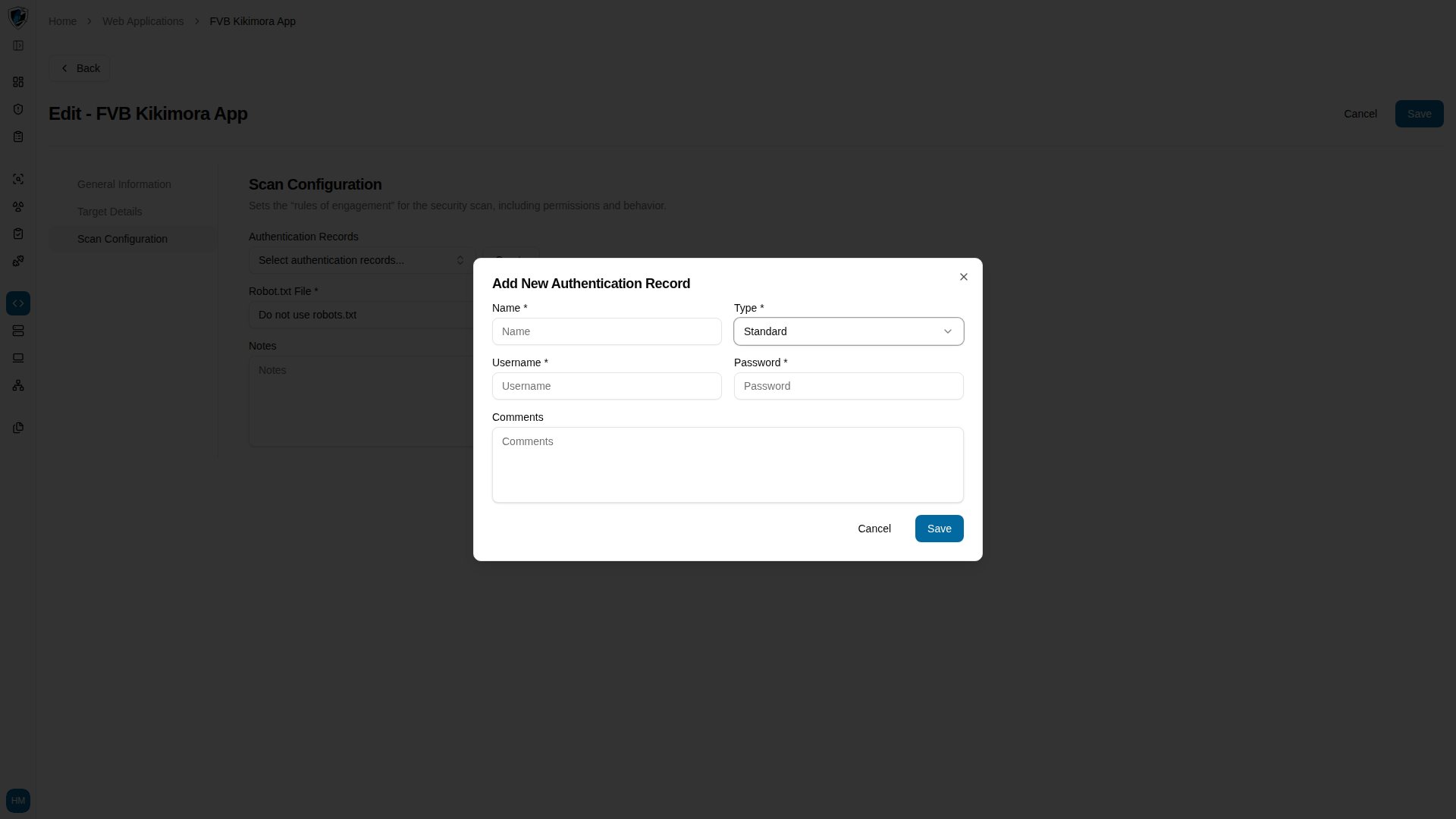
| Type | Dropdown (Standard, Custom) | The authentication method. Defaults to Standard. | Yes | N/A |
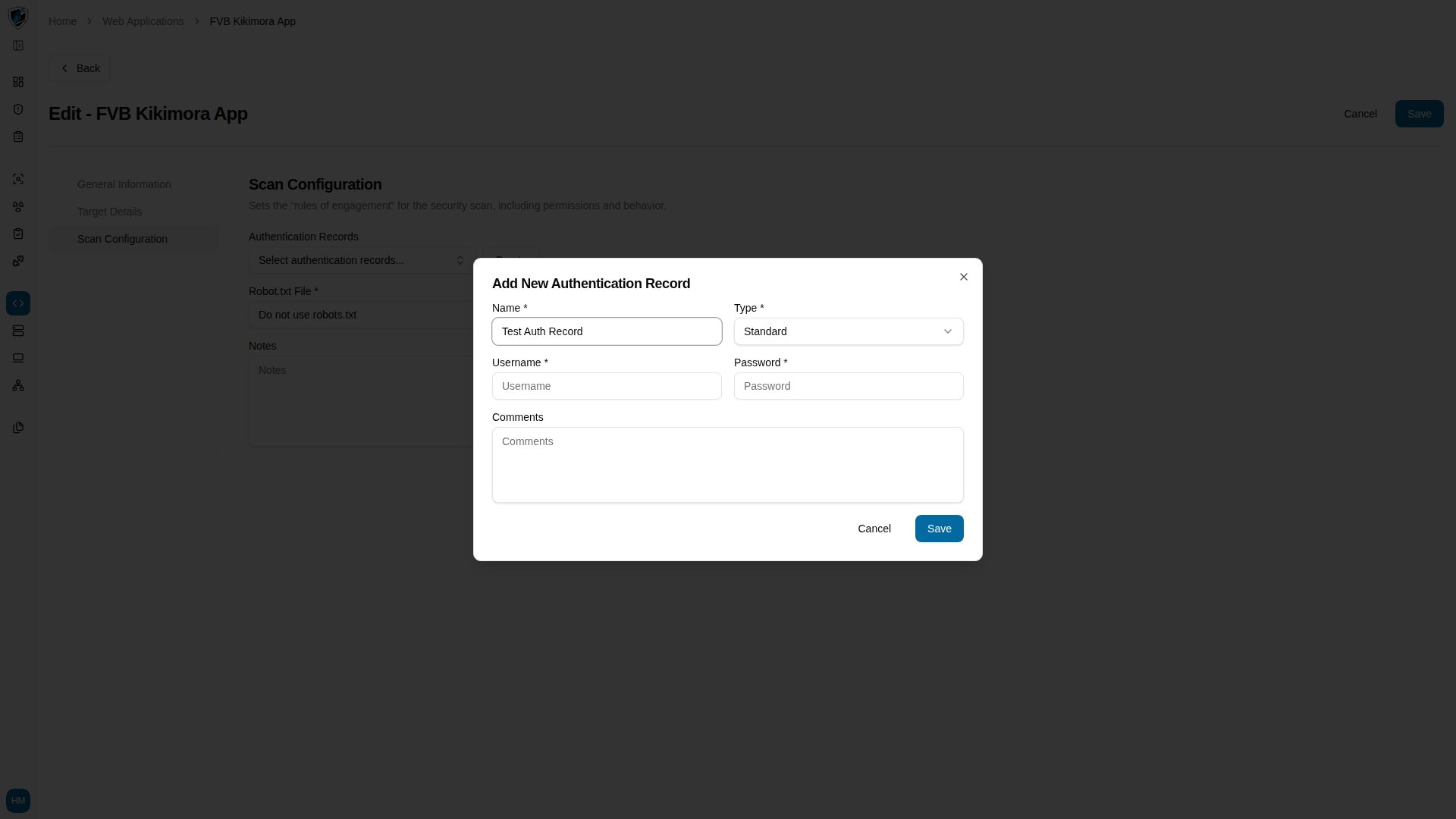
| Name | Text | Unique label for the record. | Yes | Name is required |
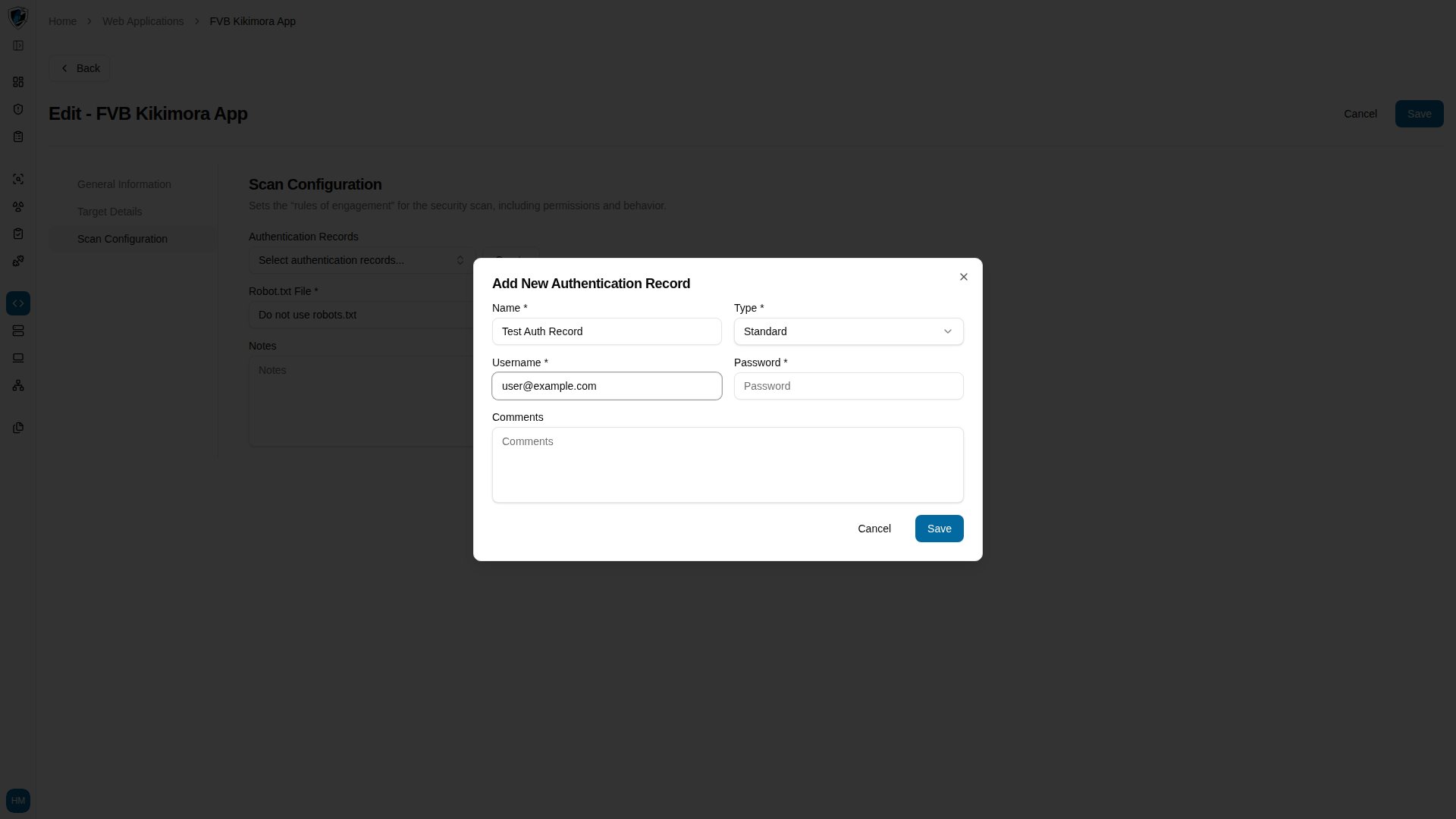
| Username | Text | Account username or email the scanner logs in with. | Yes | Username is required |
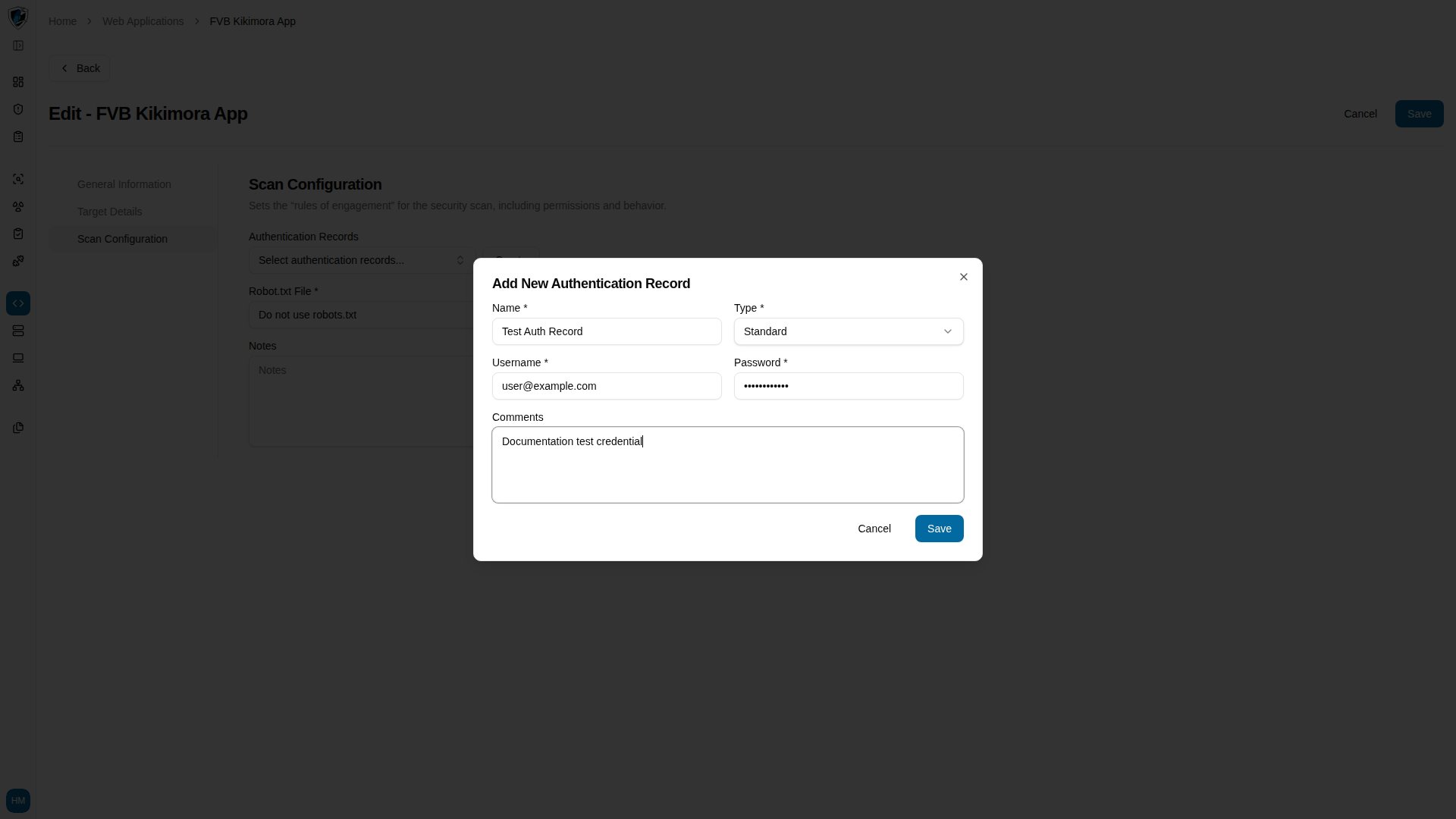
| Password | Password | Password for that account. | Yes | Password is required |
| Comments | Textarea | Optional notes describing the credentials. | No | N/A |
| Field Name | Text | Parameter name for custom authentication forms. | Only when Type is Custom | Field name is required |
| Field Value | Text | Value for that custom form field. | Only when Type is Custom | Field value is required |