> ## Documentation Index
> Fetch the complete documentation index at: https://docs.kikimora.io/llms.txt
> Use this file to discover all available pages before exploring further.
# Previewing a vulnerability
> Open the preview sidepanel to inspect a finding's metadata, risk scoring, and technical evidence without leaving the findings list.
The preview sidepanel lets you inspect technical evidence, risk context, and metadata for a finding without navigating away from the list.
## Open the preview
1. Go to the **Vulnerabilities** page.
2. Click the **Name** or row of any finding, such as *SQL Injection in Login Endpoint*. The sidepanel slides in from the right.
 ## What the sidepanel contains
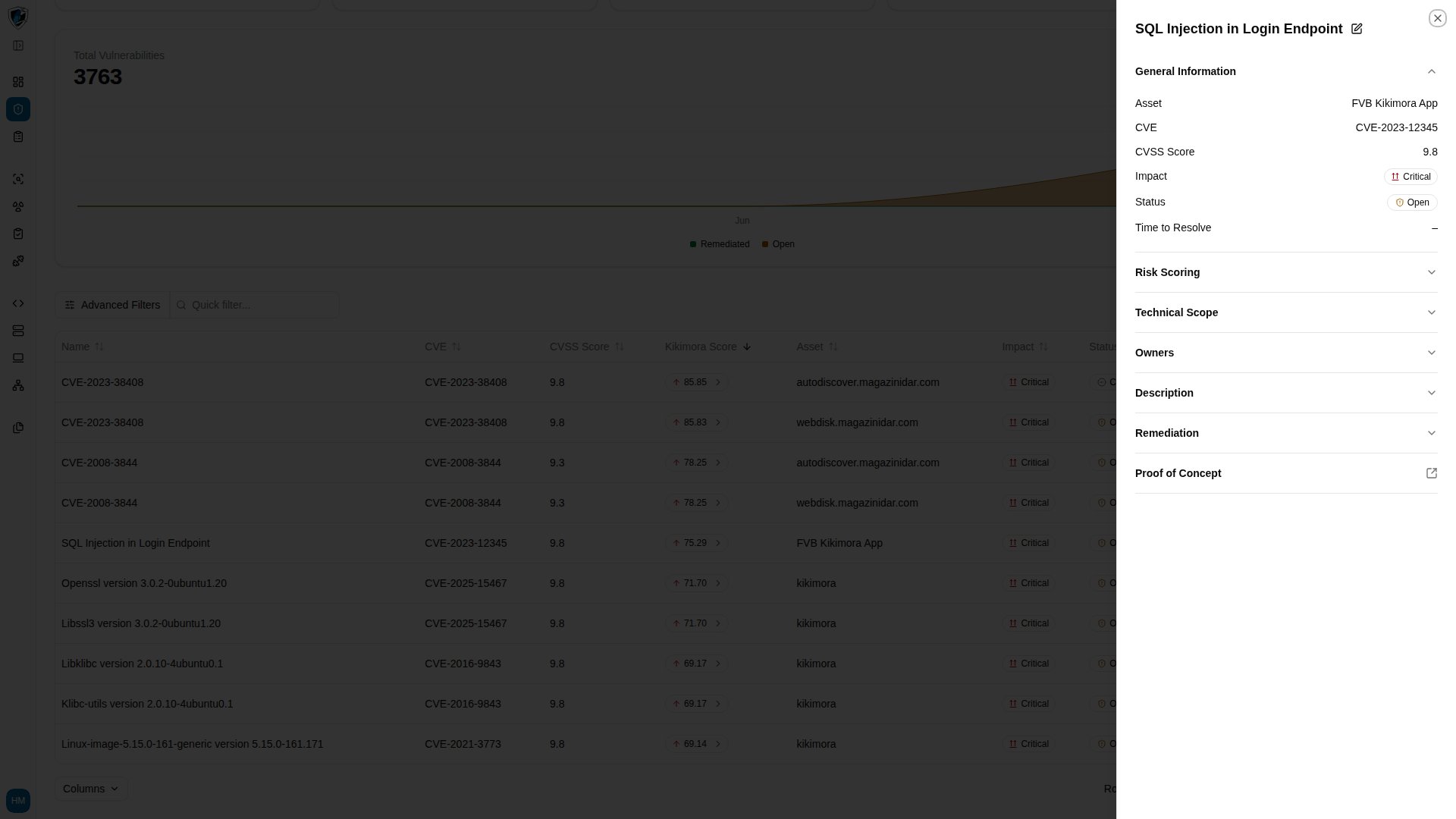
The drawer organizes the finding into accordion sections:
* **Header and quick actions** — the title, an **Edit** button (pencil icon), and **Close**.
* **General Information** — Asset (*FVB Kikimora App*), CVE (*CVE-2023-12345*), CVSS Score (*9.8*), Impact (*Critical*), Status (*Open*), and Time to Resolve, which shows *–* when not yet calculated.
* **Risk Scoring** — the breakdown of business impact, asset criticality, and Kikimora risk factors.
* **Technical Scope** — system endpoints, network parameters, and architectural scope.
* **Owners** — the assigned security engineers or system owners.
* **Description** — contextual description of the flaw.
* **Remediation** — recommended patches, mitigating controls, or code fixes.
* **Proof of Concept** — technical proof, HTTP payloads, and exploitation steps.
## Open the proof of concept full screen
1. Find the **Proof of Concept** section in the sidepanel.
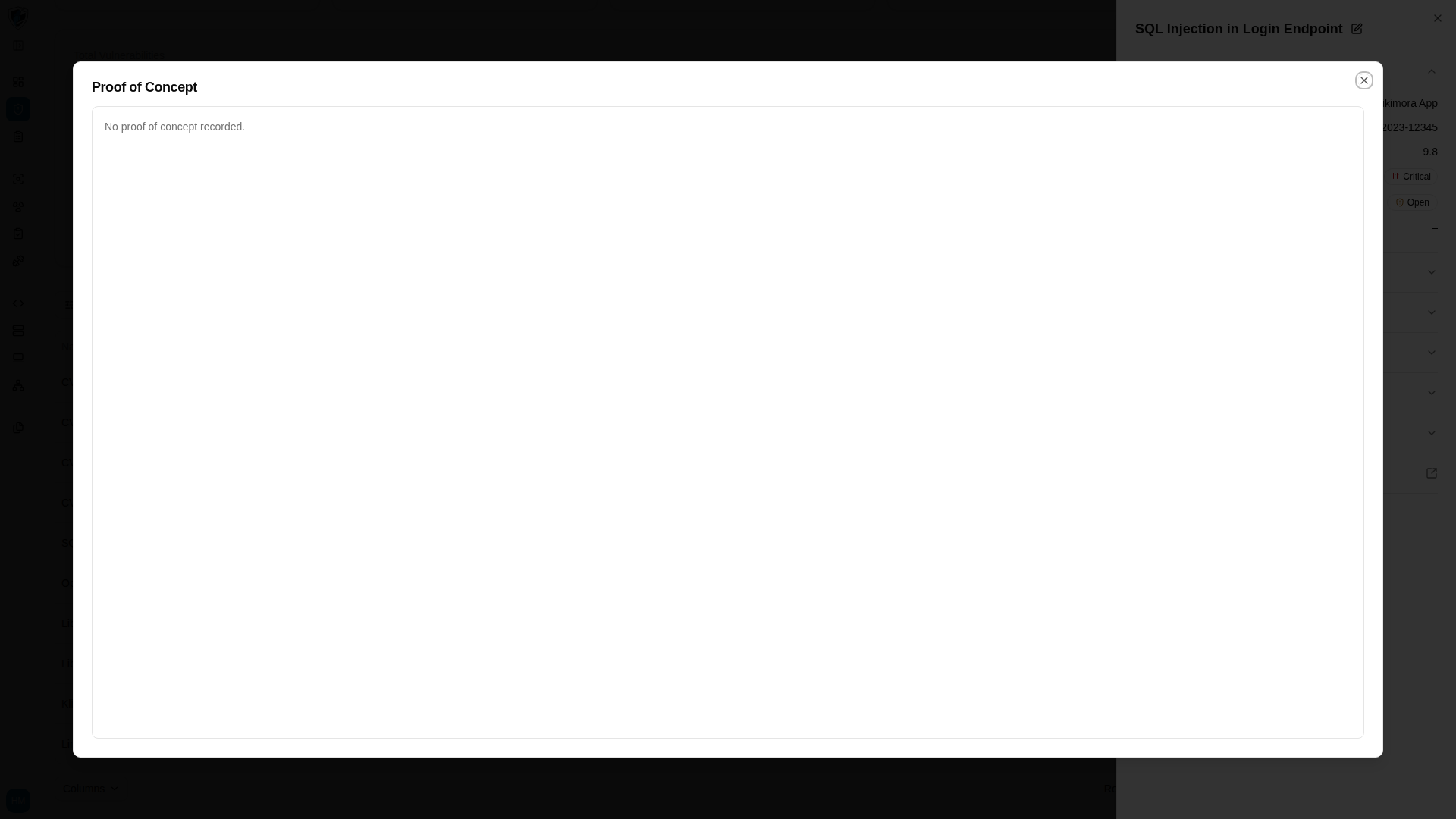
2. Click the **Proof of Concept** expand button to open the dedicated evidence viewer, which renders requests, responses, and code blocks at full width for closer verification.
## What the sidepanel contains
The drawer organizes the finding into accordion sections:
* **Header and quick actions** — the title, an **Edit** button (pencil icon), and **Close**.
* **General Information** — Asset (*FVB Kikimora App*), CVE (*CVE-2023-12345*), CVSS Score (*9.8*), Impact (*Critical*), Status (*Open*), and Time to Resolve, which shows *–* when not yet calculated.
* **Risk Scoring** — the breakdown of business impact, asset criticality, and Kikimora risk factors.
* **Technical Scope** — system endpoints, network parameters, and architectural scope.
* **Owners** — the assigned security engineers or system owners.
* **Description** — contextual description of the flaw.
* **Remediation** — recommended patches, mitigating controls, or code fixes.
* **Proof of Concept** — technical proof, HTTP payloads, and exploitation steps.
## Open the proof of concept full screen
1. Find the **Proof of Concept** section in the sidepanel.
2. Click the **Proof of Concept** expand button to open the dedicated evidence viewer, which renders requests, responses, and code blocks at full width for closer verification.