> ## Documentation Index
> Fetch the complete documentation index at: https://docs.kikimora.io/llms.txt
> Use this file to discover all available pages before exploring further.
# Inspecting scan runs
> Expand a scheduled scan row to inspect its individual executions, read the per-run columns, and reach historical results.
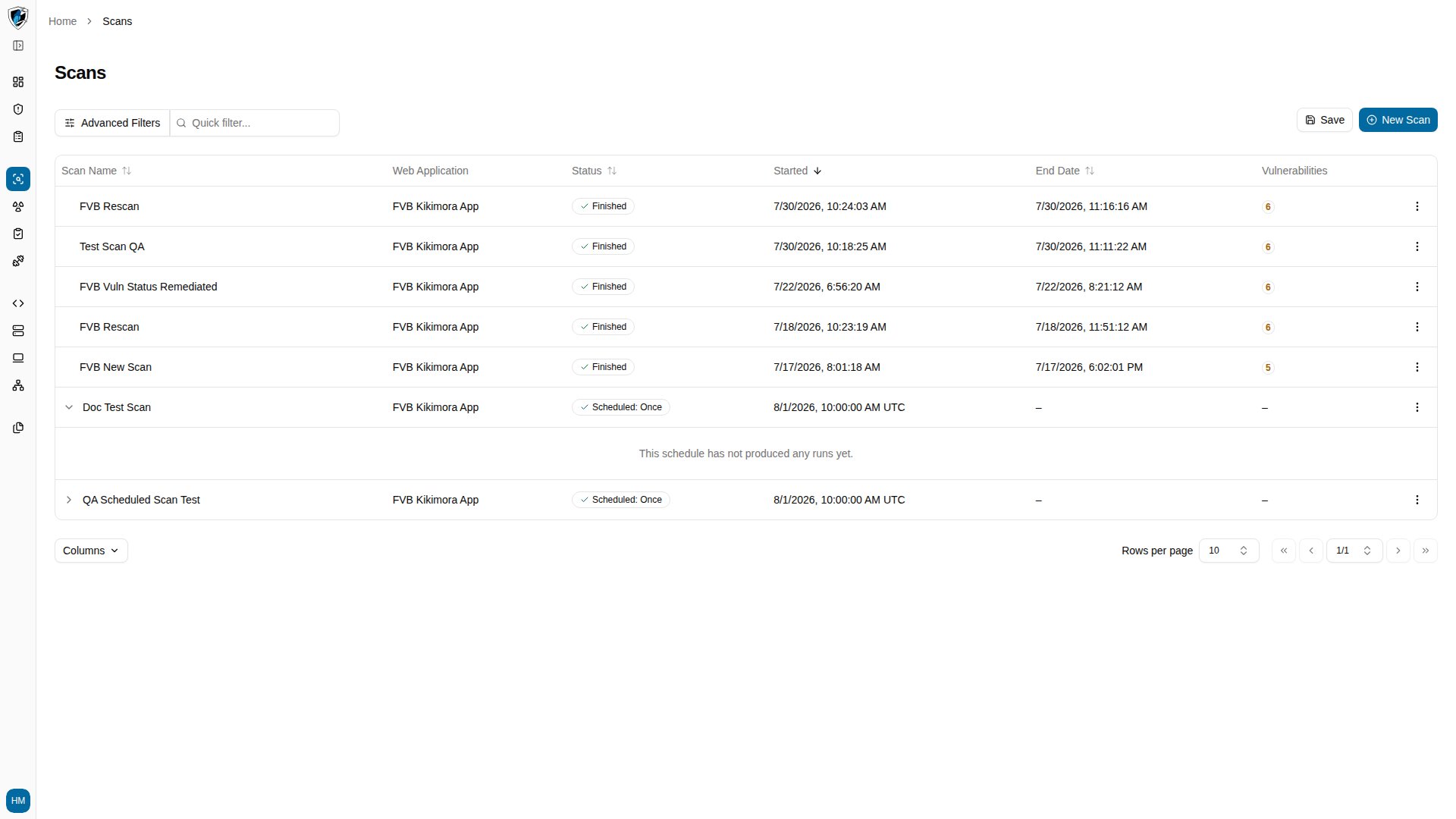
Each scheduled scan definition acts as a container for its individual executions. Expanding a scheduled scan row reveals an inner table of that definition's run history.
## What an individual run represents
A run is a single execution of the scan against the target web application at one moment in time. Where the parent definition holds the recurring parameters, the run holds the snapshot: the vulnerabilities present during that execution, how long it took, and its log results.
## Inner table columns
| Column | Description |
| :------------------------ | :------------------------------------------------------------------------------------- |
| **Run Status** | State of this execution — `Finished`, `Running`, `Failed`, or `Canceled`. |
| **Started Date** | Exact date and time the run commenced. |
| **End Date / Duration** | When the run completed, plus total execution time. |
| **Vulnerabilities Found** | Findings from this run, broken down by severity. |
| **Actions Menu (`...`)** | Per-run actions such as **View Results**, **Preview**, **Scan Again**, and **Delete**. |
## Open a scan's run history
1. Find the scheduled scan in the Scans table. Scheduled scan rows carry an expand arrow (`>`) next to the scan name.
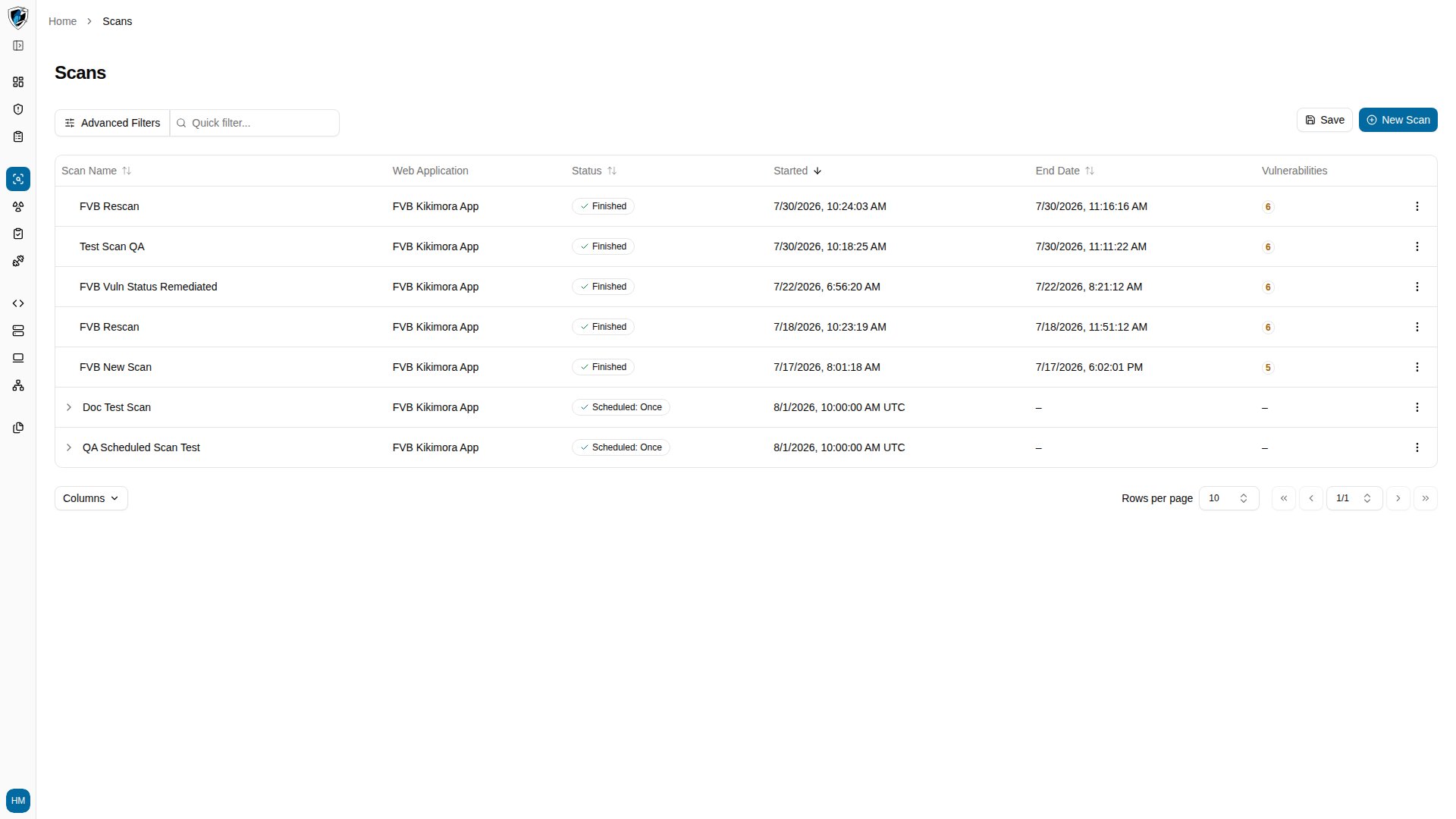 2. Click the expand arrow (`>`) to open the inner runs table.