> ## Documentation Index
> Fetch the complete documentation index at: https://docs.kikimora.io/llms.txt
> Use this file to discover all available pages before exploring further.
# Editing a manual vulnerability
> Update a manual finding through the standard vulnerability edit form and return to the manual test you started from.
Manual vulnerabilities use the same edit form as every other finding in Kikimora, including the request and response evidence and proof-of-concept sections.
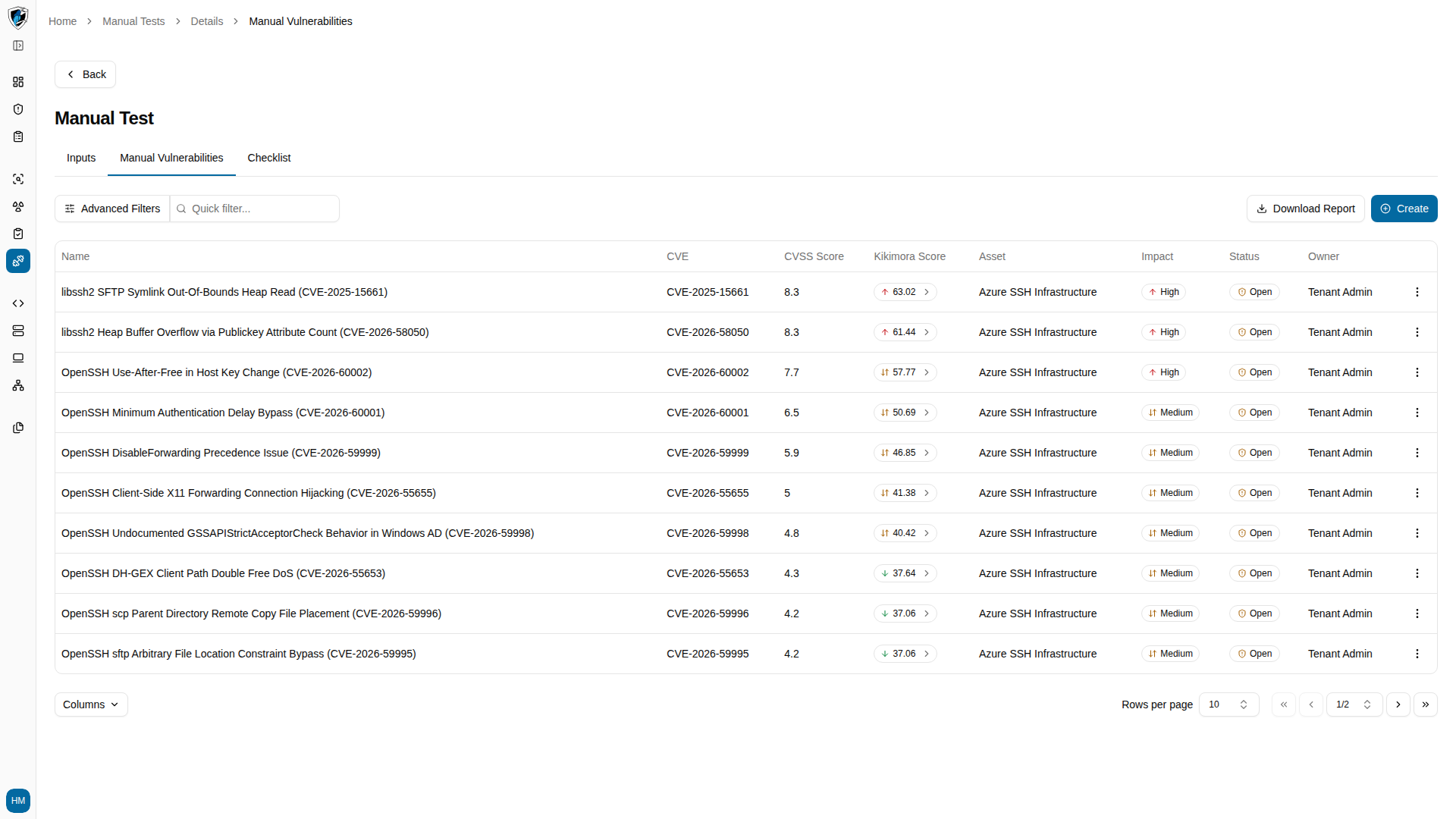
1. From the **Manual Vulnerabilities** tab inside a manual test, click the action menu (`...`) on the finding's row and select **Edit**.
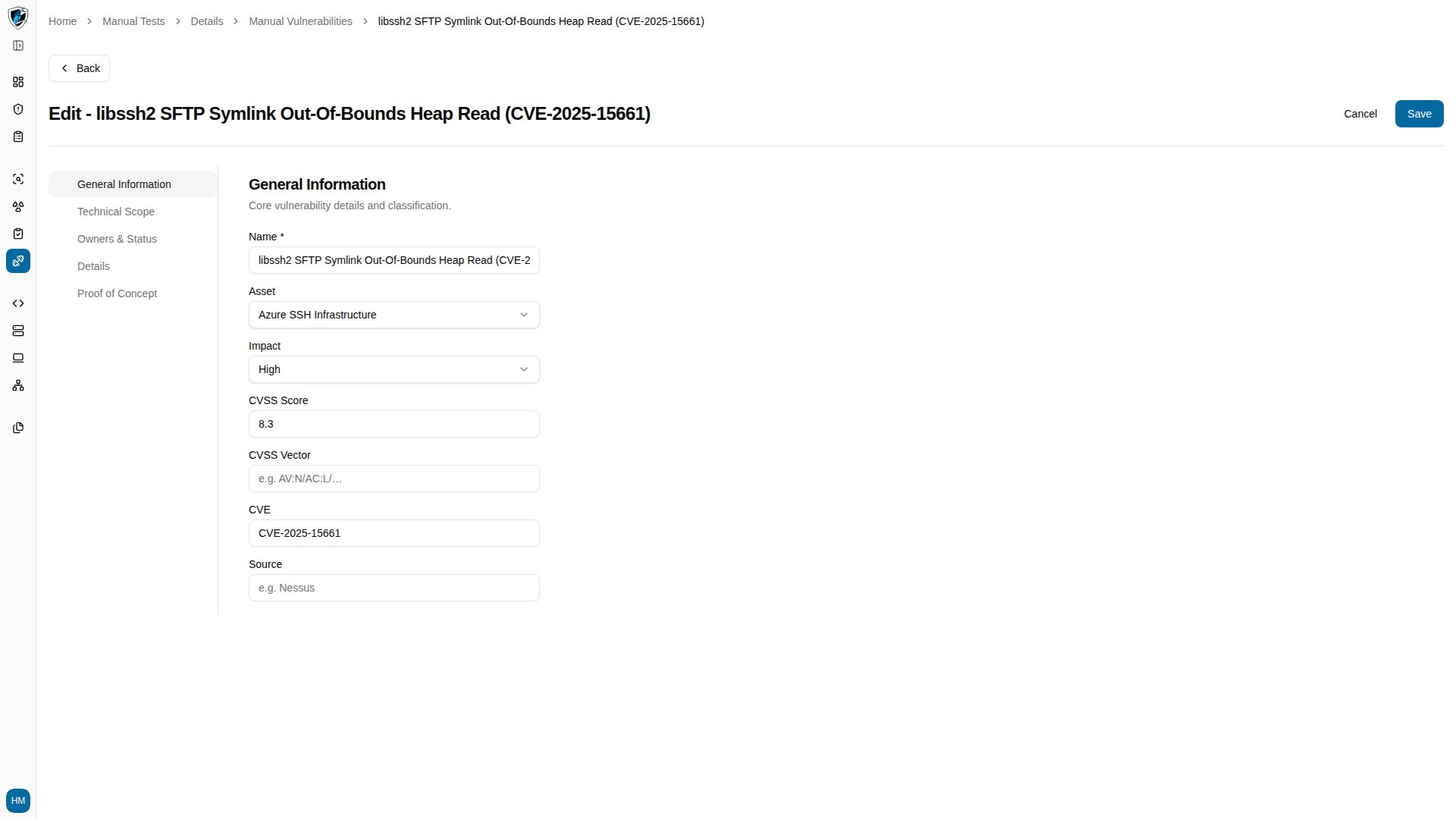 2. Update whatever needs changing — severity, risk owner, notes, or proof of concept — then click **Save** at the bottom of the page. You return to the **Manual Vulnerabilities** tab of the test you started from.