> ## Documentation Index
> Fetch the complete documentation index at: https://docs.kikimora.io/llms.txt
> Use this file to discover all available pages before exploring further.
# Reviewing results
> Scope the approved software table to a single endpoint, configure its columns, and use filters and row actions to manage entries.
The **Approved Software List** table shows every software entry currently registered as approved in your organization.
## Scoping by endpoint
The **Select Endpoint** dropdown above the charts and table scopes everything below it:
* **All Endpoints** — globally approved software, with counts aggregated across the whole fleet.
* **A specific endpoint** — compliance status and inventory as detected on that one host.
## Columns
The **Columns** selector at the bottom left controls which columns appear:
| Column | Description |
| :------------- | :------------------------------------------------ |
| **Name** | Name of the approved application. |
| **Version** | Version tag on the entry, when one was specified. |
| **Created At** | When the entry was added to the approved list. |
## Filters and row actions
**Advanced Filters** narrows entries by attribute. Each row's action menu (`...`) on the right manages or deletes that entry.
## Work through the table
1. Pick a host from the **Select Endpoint** dropdown to scope the table and its metrics to that endpoint.
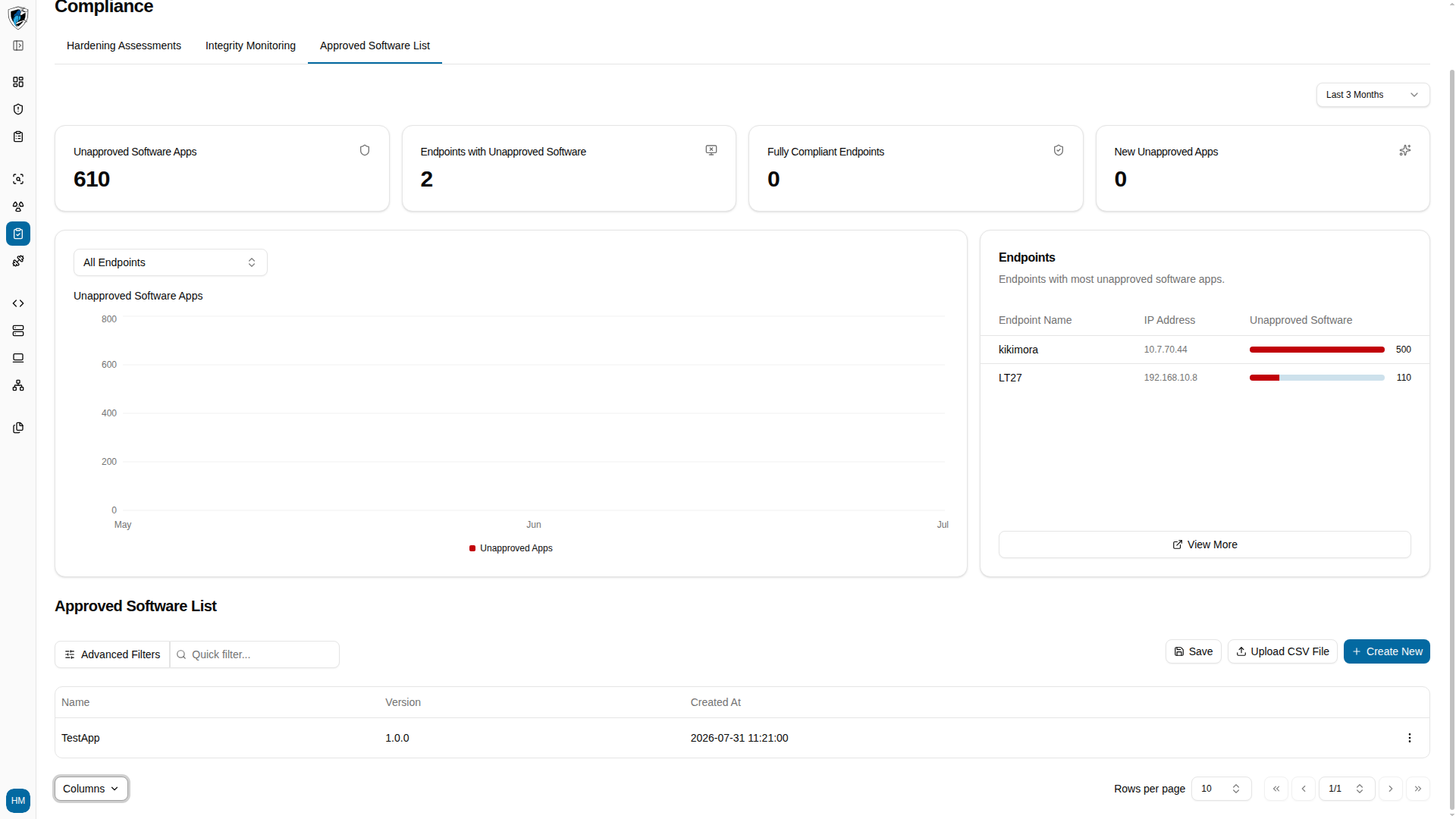 2. Click **Columns** at the bottom left to toggle column visibility.